DevOps/쿠버네티스(Kubernetes)
MacOS에서 쿠버네티스 구축 (Vagrant 가상머신 생성)
데브옵스
2022. 6. 2. 23:17
Vagrant 가상머신을 생성하여 쿠버네티스 환경을 구축하자
| hostname | k-control | k-node1 | k-node2 | k-node3 |
| IP | 192.168.56.10 | 192.168.56.11 | 192.168.56.12 | 192.168.56.13 |
Vagrantfile 작성
# vagrant 디렉토리 생성
$ mkdir vagrant/k8s
$ cd vagrant/k8s
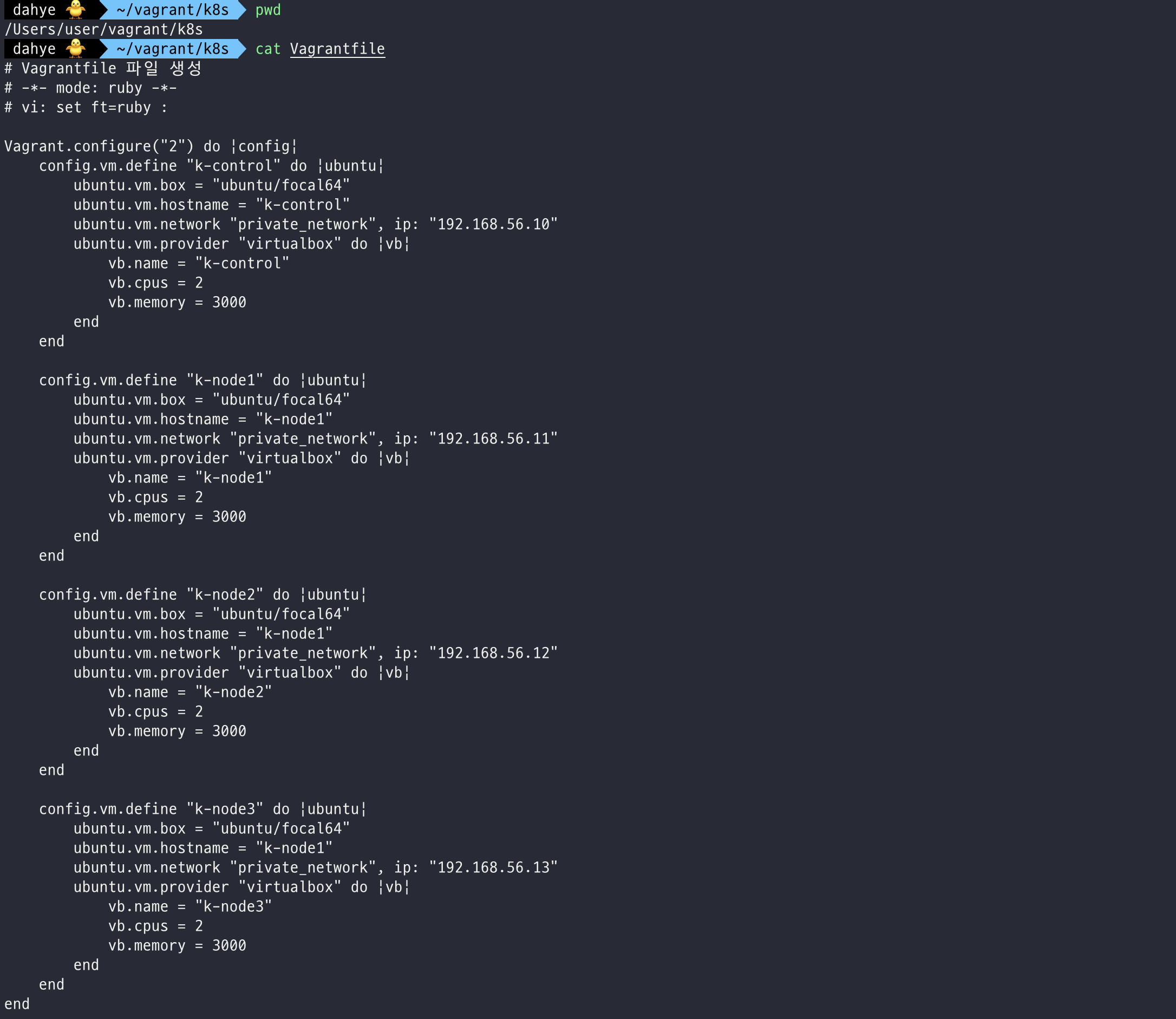
# Vagrantfile 파일 생성
# -*- mode: ruby -*-
# vi: set ft=ruby :

Vagrant.configure("2") do |config|
    config.vm.define "k-control" do |ubuntu|
        ubuntu.vm.box = "ubuntu/focal64"
        ubuntu.vm.hostname = "k-control"
        ubuntu.vm.network "private_network", ip: "192.168.56.10"
        ubuntu.vm.provider "virtualbox" do |vb|
            vb.name = "k-control"
            vb.cpus = 2
            vb.memory = 3000
        end
    end

    config.vm.define "k-node1" do |ubuntu|
        ubuntu.vm.box = "ubuntu/focal64"
        ubuntu.vm.hostname = "k-node1"
        ubuntu.vm.network "private_network", ip: "192.168.56.11"
        ubuntu.vm.provider "virtualbox" do |vb|
            vb.name = "k-node1"
            vb.cpus = 2
            vb.memory = 3000
        end
    end

    config.vm.define "k-node2" do |ubuntu|
        ubuntu.vm.box = "ubuntu/focal64"
        ubuntu.vm.hostname = "k-node1"
        ubuntu.vm.network "private_network", ip: "192.168.56.12"
        ubuntu.vm.provider "virtualbox" do |vb|
            vb.name = "k-node2"
            vb.cpus = 2
            vb.memory = 3000
        end
    end

    config.vm.define "k-node3" do |ubuntu|
        ubuntu.vm.box = "ubuntu/focal64"
        ubuntu.vm.hostname = "k-node1"
        ubuntu.vm.network "private_network", ip: "192.168.56.13"
        ubuntu.vm.provider "virtualbox" do |vb|
            vb.name = "k-node3"
            vb.cpus = 2
            vb.memory = 3000
        end
    end
end
가상머신 생성
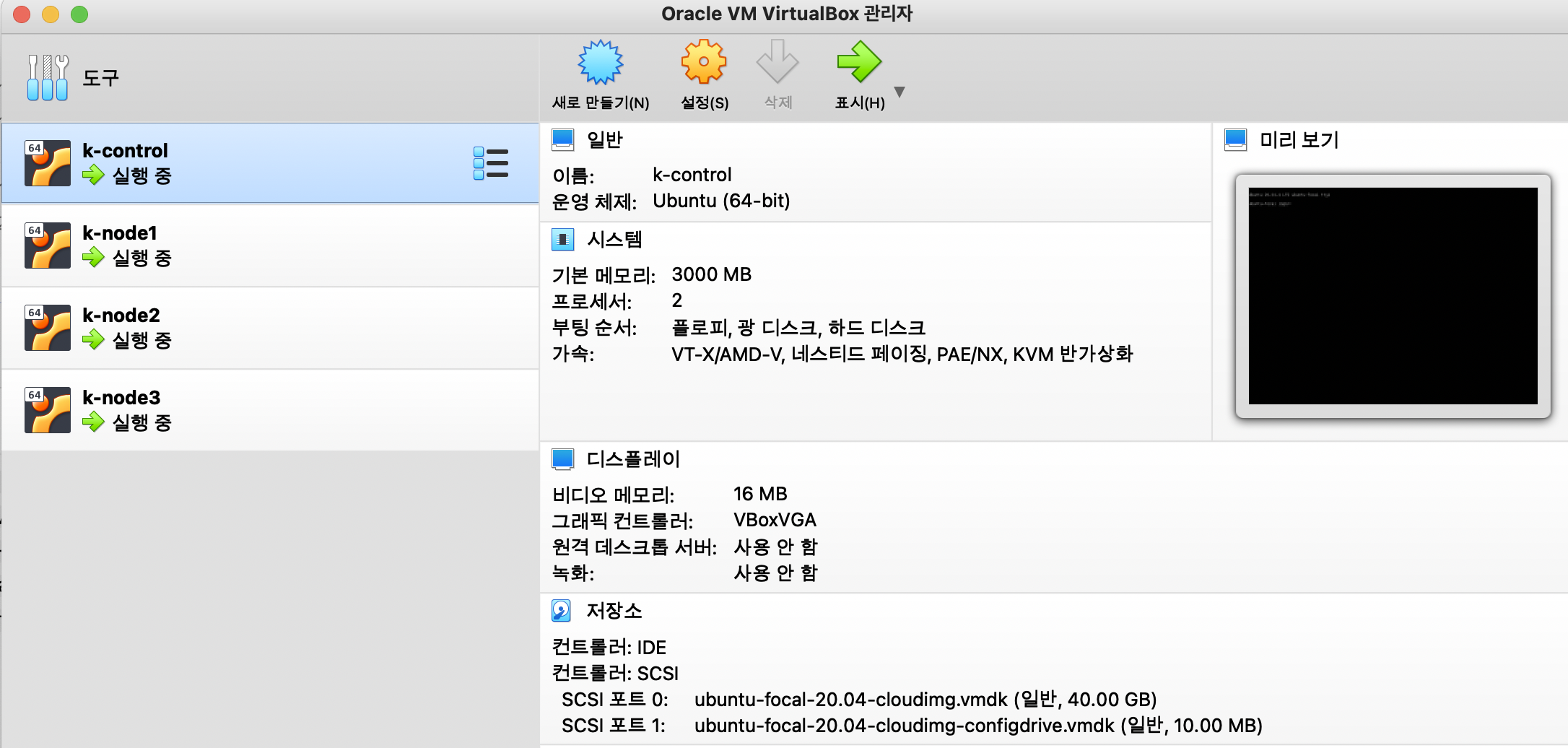
# vagrant 가상머신 생성
$ vagrant up
vagrant up 명령어로 가상머신을 생성한다. → 오류 시 아래 트러블 슈팅 참고
vagrant 인스턴스 접속
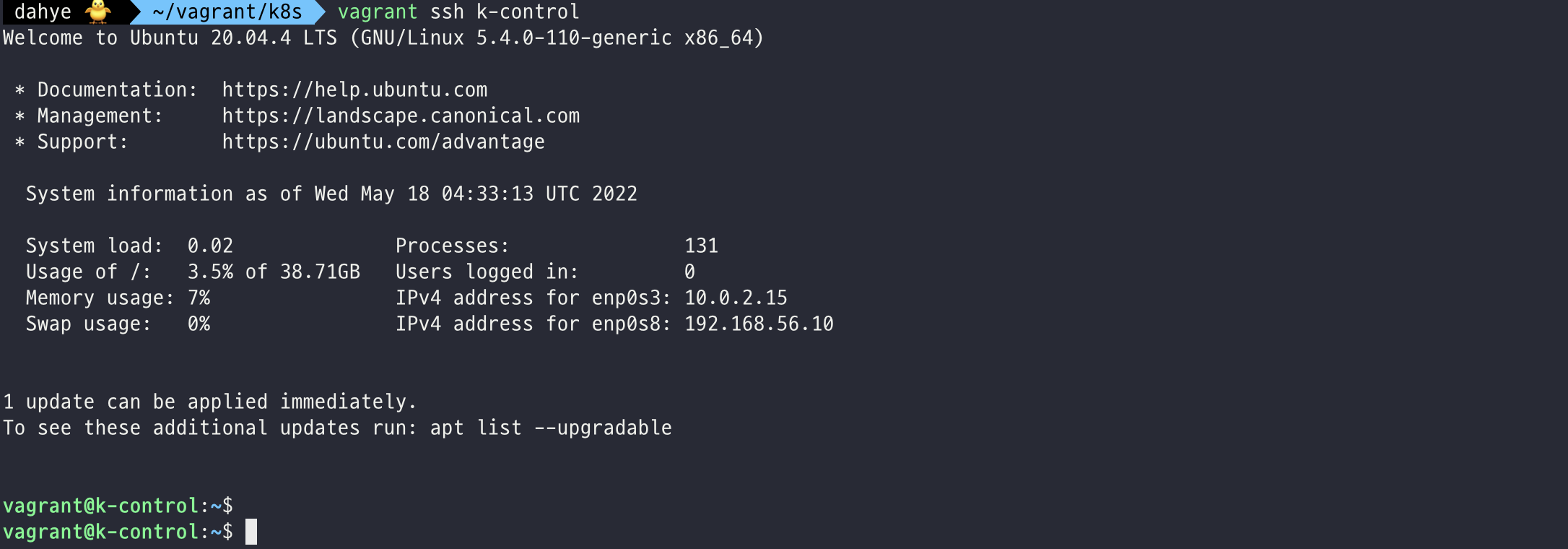
# vagrant 인스턴스 접속
$ vagrant ssh k-control
참고
1. 네트워크 범위
The IP address configured for the host-only network is not within the
allowed ranges. Please update the address used to be within the allowed
ranges and run the command again.
Ranges: 192.168.56.0/21VirtualBox 6.1.28 이후 버전에서 Vagrant를 통한 host-only network 설정이 정상적으로 이루어지지 않는 이슈 (MAC, Linux 사용자) 192.168.56.0/21 네트워크 범위를 사용하여야 한다.
2. vagrant up 오류
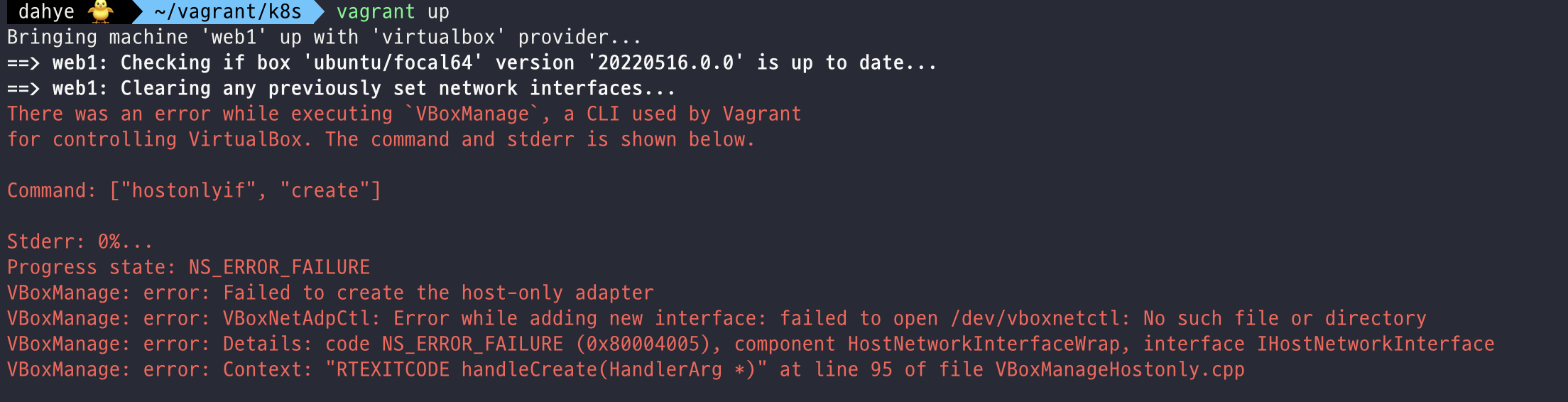
There was on error while executing VBoxManage, a CLI used by Vagrant for controlling VirtualBox. The command and stderr is shown below Command: ["hostonlyif", "create"]

Stderr: 0%... Progress state: NS_ERROR_FAILURE VBoxManage: error: Failed to create the host-only adapter VBoxManage: error: VBoxNetAdpCtl: Error while adding new interface: failed to open /dev/vboxnetctl: No such file or directory

VBoxManage: error: Details: code NS_ERROR_FAILURE (0x80004005), component HostNetworkInterface, interface IHostNetworkInterface VBoxManage: error: Context: "int handleCreate(HandlerArg*, int, int*)" at line 68 of file VBoxManageHostonly.cpp
해결)
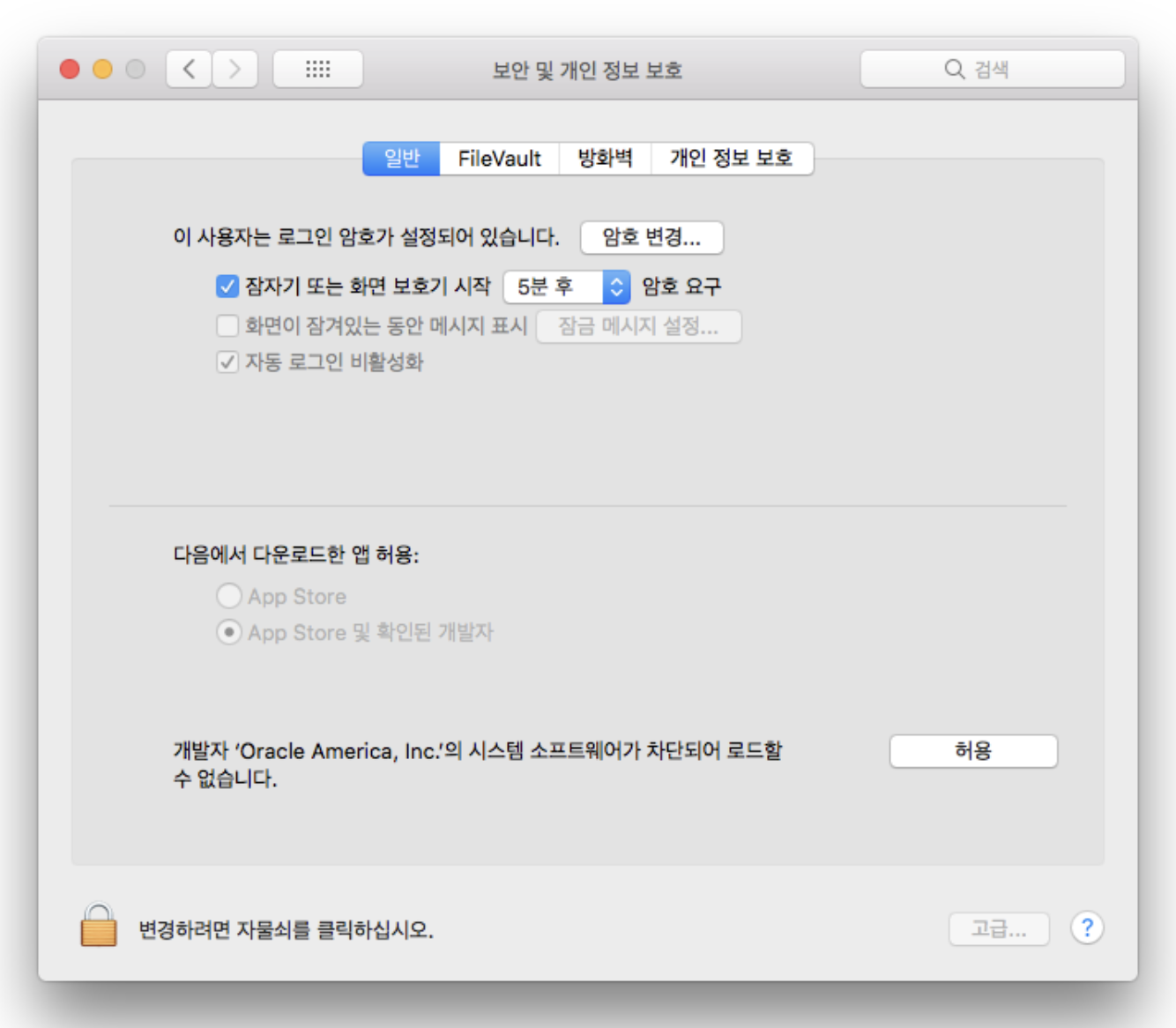
시스템 환경설정 > 보안 및 개인 정보 보호 > ‘Oracle America, Inc.’ 허용